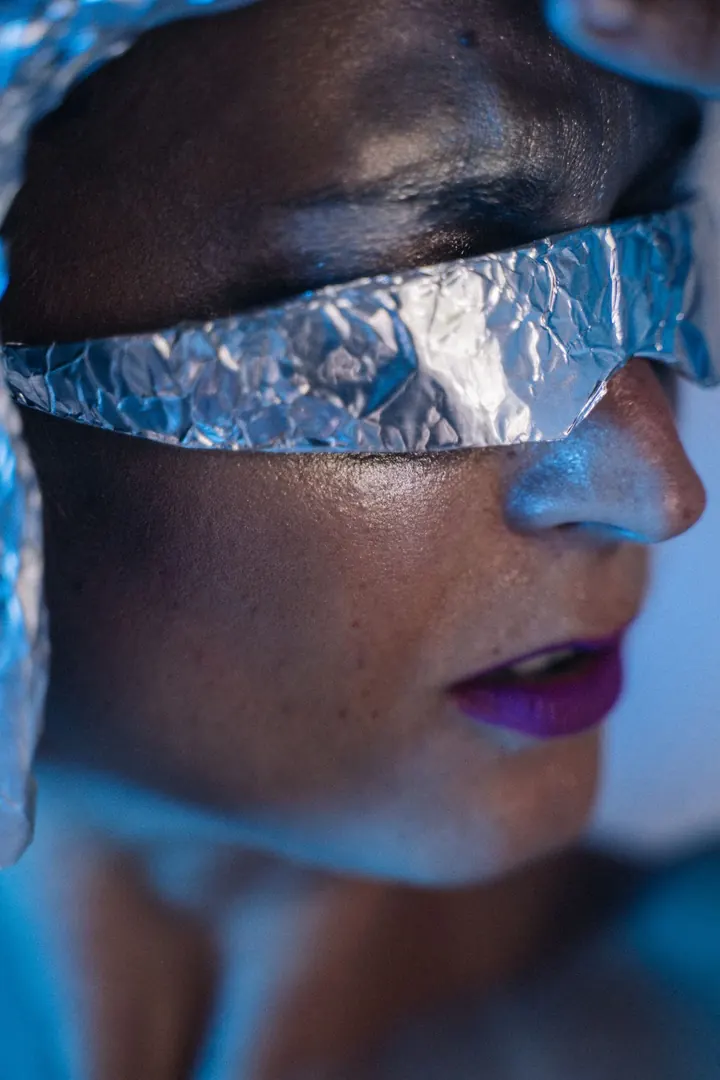
Real-time AI video, billed by the second

Step into any character. Live.

Point your webcam, drop in a reference image, and watch yourself become someone else on camera — in real time. Then keep creating: edit images, animate stills, clone voices. One balance, no subscription.

  • No subscription
  • Pay per second
  • Card, bank transfer or crypto
How it works

Three steps from webcam to character

01

Pick your reference

Upload any photo — a person, a character, an art style. That's who you become.

02

Go live

Hit start and your transformed feed plays back on the page, following your movement and timing.

03

Stop whenever

Billing runs only while you are live. End the session and the meter stops.

Tools

One balance. Four AI tools.

Every tool draws from the same credits — top up once, use them anywhere.

LIVE00:42
You
Character
⇄
Reference · Nova$2.10 metered

LiveCam

Real-time webcam transformation, billed per second of streaming.

Try it
✦ Change the background to a sunset beach
Before
After
✓ Edited in seconds

Image Editing

Describe a change in plain language and get the edited image back.

Try it
Your image
▶
0:05

Image to Video

Turn any still image into a short, moving clip.

Try it
Your sample
↓
Cloned voice
“Welcome back — here is this week’s update.”

Voice Cloning

Upload a short sample, type a script, hear it back in that voice.

Try it
Pricing

Simple, credit-based pricing

Buy credits once and spend them on any tool. Bigger packs include bonus credits. No subscription, no seats.

Starter
$10
10 credits
$1.00 per credit
Most popular
Creator
$45
55 credits · incl. 5 bonus
$0.82 per credit
What credits buy
LiveCam3 creditsper minute
Image Editing0.5 creditsper use
Image to Video36 creditsper minute
Voice Cloning3 creditsper use
Face & Character Swap (Wan Replace)36 creditsper minute
Image to Video (Kling 3.0 Pro)58 creditsper minute
Image to Video (Seedance 2.0)156 creditsper minute
Image to Video (Veo 3.1)103 creditsper minute
Face & Character Swap (Kling Motion Control)58 creditsper minute
Face & Character Swap (Wan Move)36 creditsper minute
Voice Changer1.5 creditsper minute

Questions, answered

How is LiveCam billed?

By the second, only while a session is live. The rate and your balance are always visible on the LiveCam page, and sessions can stop automatically before your credits run out.

What do I need to use LiveCam?

A computer with a webcam and a modern desktop browser such as Chrome or Edge. The image, video and voice tools work from any device.

How do I pay?

By card (Stripe or Paystack), bank transfer, or crypto. Bank and crypto payments are reviewed by our team and credited once approved.

Do credits expire?

No. Credits stay in your balance until you use them.

What if I run out of credits mid-session?

LiveCam stops automatically, so you are never billed beyond your balance.

Ready to go live?

Create an account in under a minute and try it yourself.